Generating Noise in an Area
While it wasn't the first thing i started out with, I eventually realised that I needed to make the noise generation local to an area. The solution i came up with was creating a plane for each side of a box where the noise would be generated within. Each side can be dragged in the axis of its orientation and snaps to the bounds size you've set up for the chunks. At the top it has a handle that lets you drag it around to where you want to generate the noise, the coordinates inside update as you move it around
Distorting Noise
Something really cool is noise distortion which can really alleviate the procedural feeling you get when generating things like this. The noise distortion I'm doing is displacing the noise input position in x and z, and is controlled by a scalar value, while the distorted noise can also have parameters like octaves, roughness and amplitude altered.
Generating Normals
One of the more interesting problems i came across to which I found no online solution was generating normals. While I tried to run the triangle array through a compute shader at first the solution became overly complicated. I'm going to have another stab at it at some point, meanwhile the solution i came upon was simply merging all the vertices of the resulting mesh on the cpu. Because I'm using a hash table to do this it's actually not even noticeable in terms of performance so I didn't bother with it after that. Another problem i came across when generating normals was the seams between each chunk. This caused a minor rewrite to some of my code as the solution I came up with was to extend the mesh generation 1 extra voxel in each axis. That allowed me to generate the normals after which I cut the excess triangle generated outside the intended volume but keep the normals.
Layering Voxel Noise
The layering of noises was perhaps the most difficult thing to get working. The main problems i had were caused by various issues using the compute shader that caused tears and other wonky issues like scaling issues. I finally settled on a solution where before running the compute shader I copied all of the noise arrays for each layer I had into a single buffer along with a blending array with the blend modes for each layer, I then ran through each of the layers and offset the start and end position of the array to do the maths for the blending and saved it all in the first entry for the buffer. Any layers that had visibility turned off got 0 values copied into their arrays and were ignored in the blending computation
Painting
Painting was another interesting challenge. Like the normal generation the problem area was around where the chunk seams occured. How would it be possible to paint seamlessly across different chunks? The solution i came up with is generating a voxel grid around the brush itself. The grid is increased by 2 points outside the radius of the brush to make calculations on neighbour points within the brush possible. Points outside that radius of the brush are discarded. When painting the brush grid loops through the voxel points of each grid and soaks up the values of each of the grids. The calculations based on the brush type is then done within the brush grid and reapplied back to each chunk in the same manner. The mesh is then regenerated and the collision mesh updated. I was actually able to implement this functionality on the cpu at first and it was running in realtime. When i moved it over to the gpu it actually became so fast that I thought it was broken for a long time. I fixed the speed by lerping to the new values at a very low amount each frame instead.
Unfortunately I broke the painting when implementing the layer system so I'll need to go back to that but i implemented the following functionality for the brushes, and here is how i did it:
- Additive / subtractive brush, simply adding and subtracting for the voxel values. This turned out to be a challenge because originally the noise values i generated increased with each octave. So i went back, made sure all my values fell within 0 to 1 and scaled accordingly with the octaves. This in turn also made a lot of other math on the voxel grid easier
- Smooth brush: smooth brush was relatively simple, averaging the values with voxels next to them
- Planar brush: This includes an option to continously update the normal sampling and the speed at which that's done. The normal the brush hits is sampled and a simple dot product calculation on each points determines the position above underneath the plane with some interpolation happening when it's close to being perpendicular with the normal
Saving, Loading, Undo and Presets
I haven't done much file read / writing in the past so I originally used Json for saving and loading the data mainly because I thought it'd be useful for debugging. That wasn't really an issue though so I soon switched to binary files. For each of the data types i have a class that is serialised and deserialised. This is pretty fast resulting in 780 kb files per chunk per layer for an array of vector4's. The layers don't actually all need the positional data so I could make it faster by only saving that info in the base layer or regenerating it on the fly. Each layer has a guid, and each layer has a folder with the guid name where the data for each of the layers is stored. I have yet to do the undo or preset systems yet but for Undoing I'd imaging having several duplicate folder structures for each undo working in the same way as saving and loading chunks. Handling that data when it's no longer useful / between Unity sessions may be tricky though and require an "undo" file type to keep track of that information. Presets I haven't done yet but I'm looking at Unity's scriptable objects for those. Having a slot for a preset in each layer would allow for quick set up of noise with all the parameters exposed in the object.
Some Examples Of What The Tool Does:
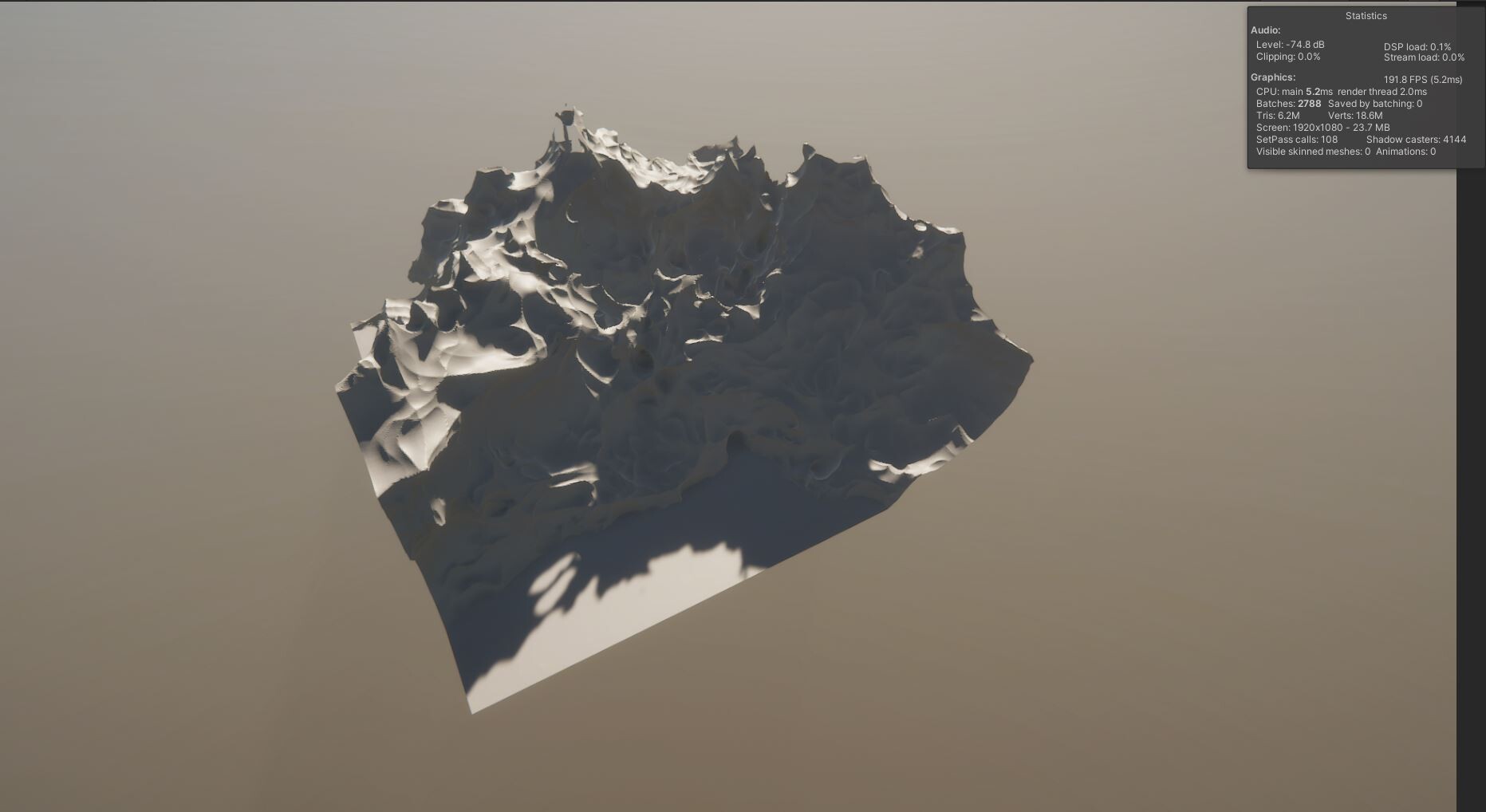
Generating noise is done through the UI, you can select the noise type. Here's the most basic 3d Simplex noise:
You can set the floor and ceiling of the noise with a falloff and strength to increase the voxel values above or below a y position
You can set the octaves and roughness of the noise
Here are some of the different types of noise the tool can generate:
Thoughts on Voxel mesh generation
While voxel terrain is definitely cool I don't see it as a viable solution for AAA games unless the terrain being altered is a main feature of the game. It can of course be generated offline for use in games however the other restriction is the shader cost of applying materials using triplanar shaders. I've seen other applications of the marching cube algorithm for example for realtime clouds that may be more viable. the "Mudbun" tools for Unity is another use case, applying the algorithm to gpu based particle systems for a more stylised effect. I had a lot of fun learning about all these new things, my only fear now is that I'll start using compute shaders as the goto solution for all my problems now since they're just so damn cool :). And with that I hope this was informative / useful for anyone who might come across this looking to generate voxel terrain. Thanks for reading!
What's Next?
Here are some things I'm thinking of tackling next:
- Making the painting system work again
- Generating larger areas of noise and some more finished looking results
- Working on an undo system
- Working on a pre-set system using Unity's scriptable objects
- Optimisation, of which I've done almost none of so far